Company
Introducing nexp: one system for the till, the stock and the accounts
Why we built nexp, who it is for, and what it does today for businesses that sell from more than one place.
The nexp team · 21 October 2026 · 2 min read
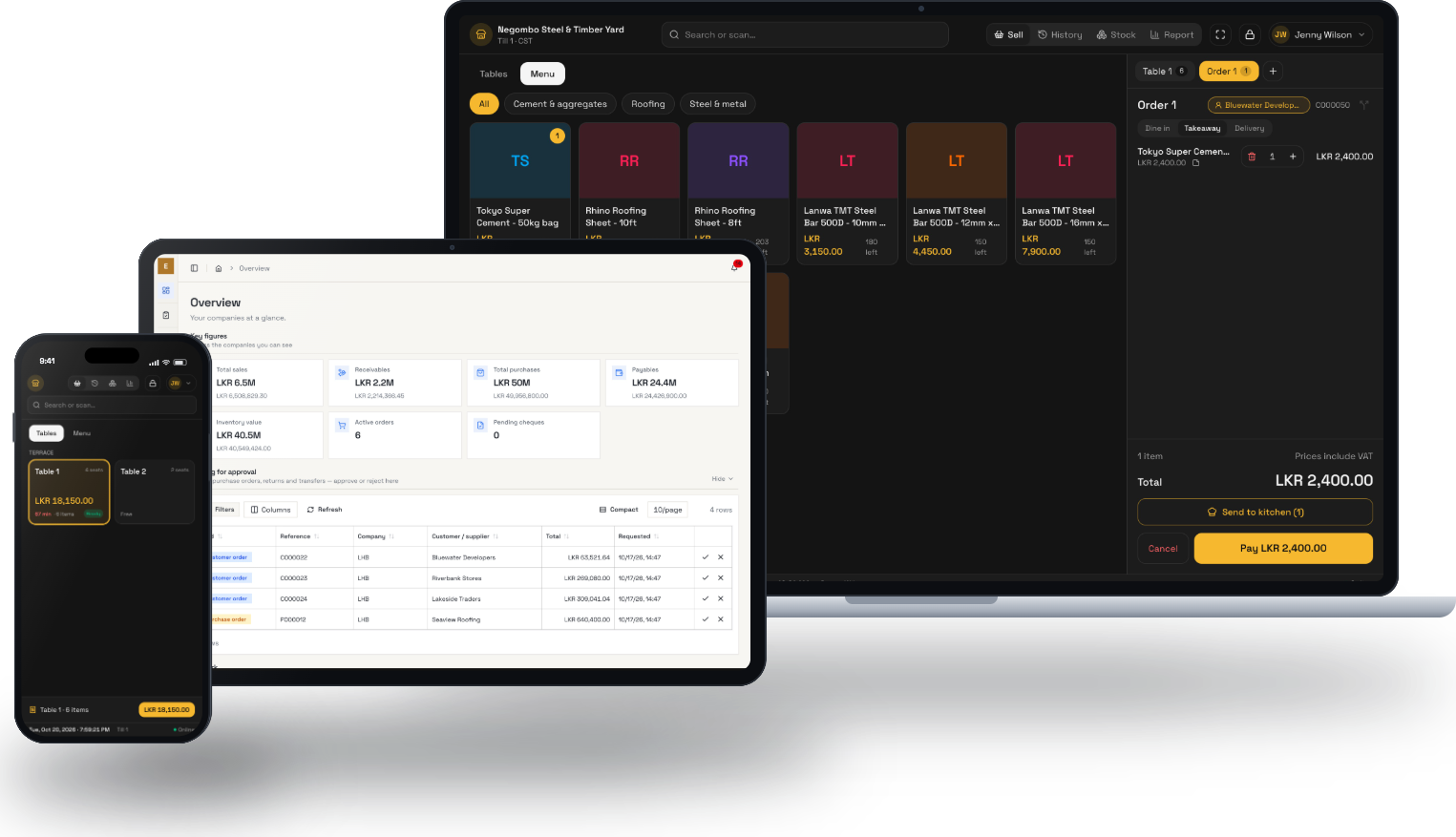
Most businesses we visit run on four things that do not talk to each other. A billing program on the counter PC. An Excel sheet for stock. A notebook for credit customers. And the owner's phone, which rings every evening with the same questions: how much did we take today, do we have any left at the other branch, has that cheque cleared?
nexp is our answer to those evening calls. It puts the till, the stock at every branch, credit, cheques, approvals and the accounts in one system, and it runs in a web browser. A shop uses the computers, tablets and phones it already has.
Who it is for
We built nexp for businesses with more than one branch, more than one till, or more than one person who needs to see the numbers:
- Hardware, building material and retail shops with one to ten branches.
- Restaurants, cafés and bakeries that want orders to reach the kitchen and the night's takings to reach the owner.
- Distributors and trading companies that sell on credit and need approvals on record.
- Growers with greenhouses, who want to see and control every zone from a phone.
What it does today
- A till with barcodes, several bills open at once, cash, card or both, and a bill on screen or on an 80 mm printer.
- Stock by branch and batch, with expiry dates and transfers between branches tracked until they arrive.
- Shifts and closing: the system tells the cashier how much cash should be in the drawer, and keeps any difference against that shift.
- Sales, purchasing, credit and cheques, with a due date on every invoice and an aging report that prints on your letterhead.
- Approvals for orders, purchases, returns, transfers and payments, from any device.
- Accounts: chart of accounts, general ledger and trial balance, exported to Excel for your accountant.
- Customer service: cases with service levels and one conversation with the customer.
Every business gets its own database. Staff see only what their role allows, and the server checks every request, not just the screen.
How to try it
You can start with a free account, no card needed. Most owners prefer to see it with their own products first, so we offer a 45-minute setup call: we set up your business with you, load 20 of your products from an Excel sheet and open a till. You keep it afterwards and try it with your staff.
Over the next few weeks we will write here about how businesses use nexp, one problem at a time.
See it with your own data
Book a free 45-minute setup call. We set up your business with you, load your first products and open a till.
Book a setup call